AutomationWholesale and manufacturing
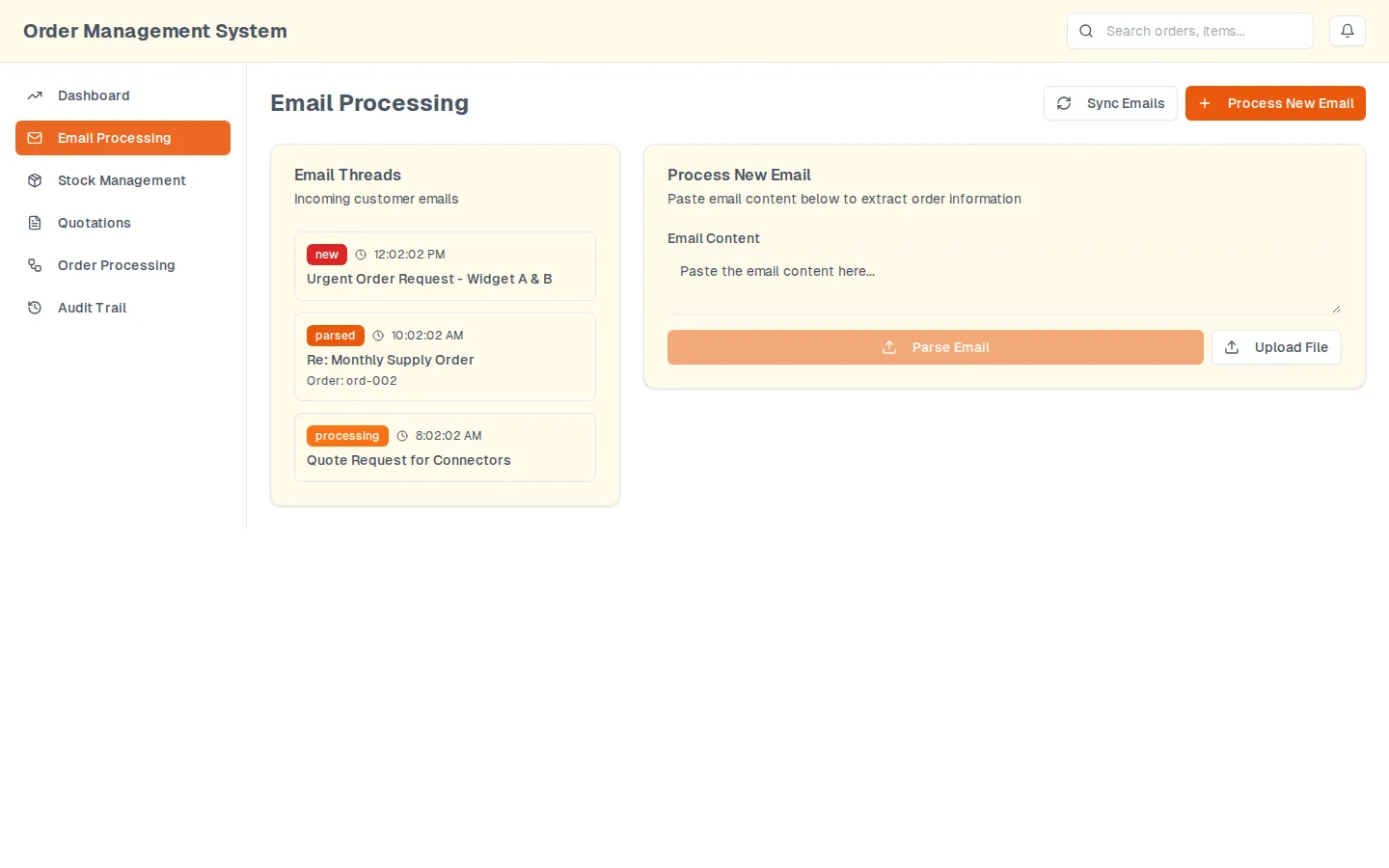
Order emails that turn themselves into quotations
An Accel Automation presales prototype
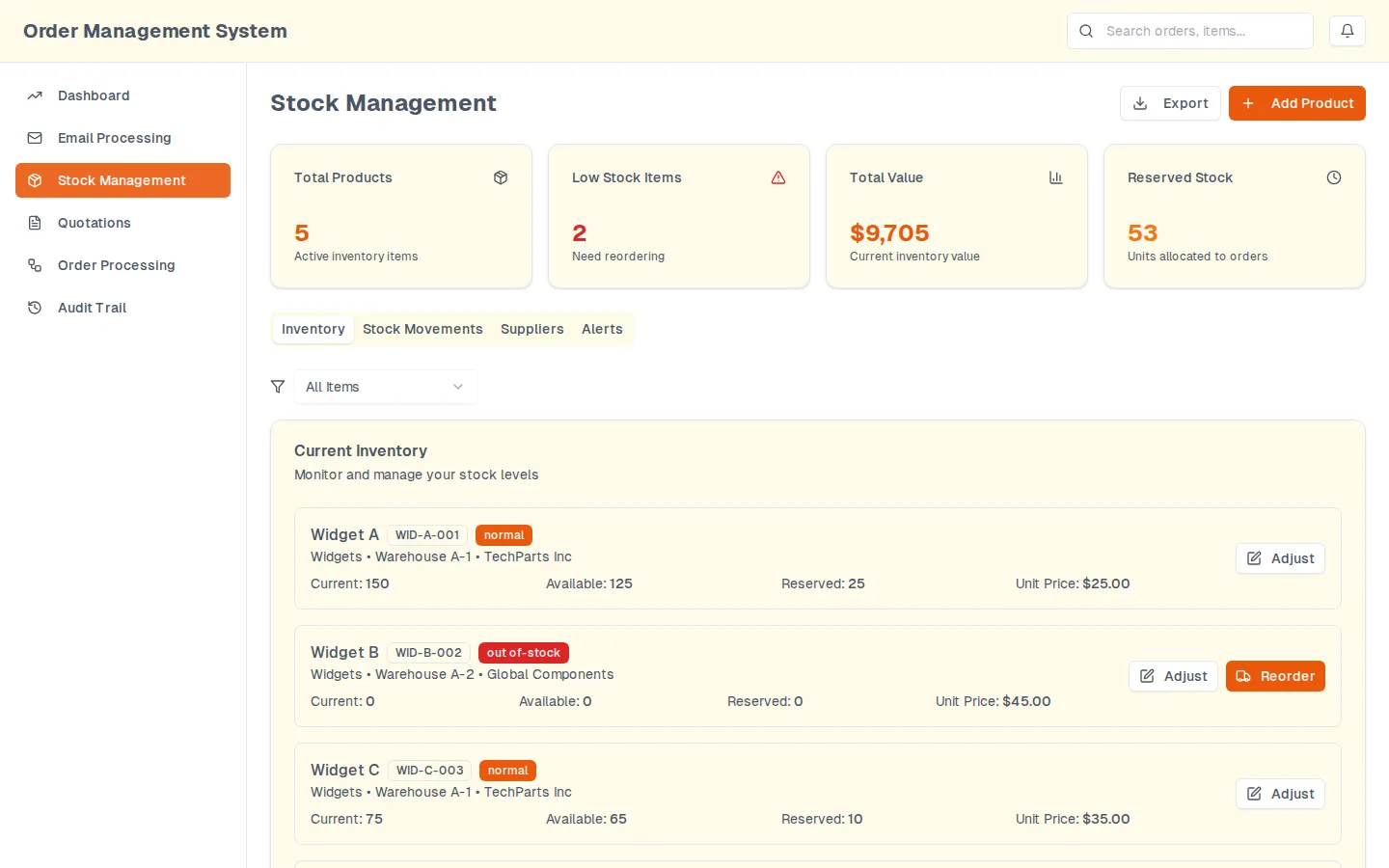
3 quantities per stock item: on hand, available and reserved
PrototypeAutomationWholesale and manufacturing
A prototype we built for a manufacturing prospect.
Proof
2 lines from the client.
Hello, yes, I do have a need for automation. I have some Excel sheets that require automation for uploads. How can you help us?
Could you please send over a recorded demo video of the tool along with any technical documentation or API capabilities?
The walkthrough will show workbook validation and a simulated marketplace upload. The hosted showcase is not linked while it requires sign-in.
The prospect had order workbooks that were uploaded to a marketplace by hand and rejected when a row was wrong. It asked for a recorded demo of the tool before engaging; there was no tool, so one was built in days: the rules a team keeps in its head, written down and run against the workbook, with the failures listed rather than hidden.
Workflow automationWeb app
Workbook and CSV upload with a validation pass, rule by rule, against a rule set held outside the workbook
Rules for the fields the marketplace needs: order, customer, mobile, city and quantity present; Saudi mobile number format; coordinates; SKU; duplicate detection
Transforms, filtering and reports on the validated rows
Conditional workflow steps and email notifications when a run finishes or fails
A simulated Salla marketplace upload as the worked example, with per-row results so a rejected row is named rather than the whole file failing
Supabase storage behind the surface, with a run history and API notes
A second visual demo in March 2026 of the order-management and inventory dashboard the proposal went on to describe
The prospect had a working front end to react to before a proposal, and the proposal was written against what the demo showed rather than against a description. We walk through it on a call.
Done again today
Done again today, work like this usually costs $1.5K to $3K (System-to-system sync). The free plan says whether it fits before anything is priced.
Data entered once. Your CRM and accounting stop needing a person to copy between them, and it keeps running after we are gone.
$1.5K to $3K, usually fixed-price
1 to 2 weeks
AutomationWholesale and manufacturing
An Accel Automation presales prototype
3 quantities per stock item: on hand, available and reserved
Custom softwareWholesale and manufacturing
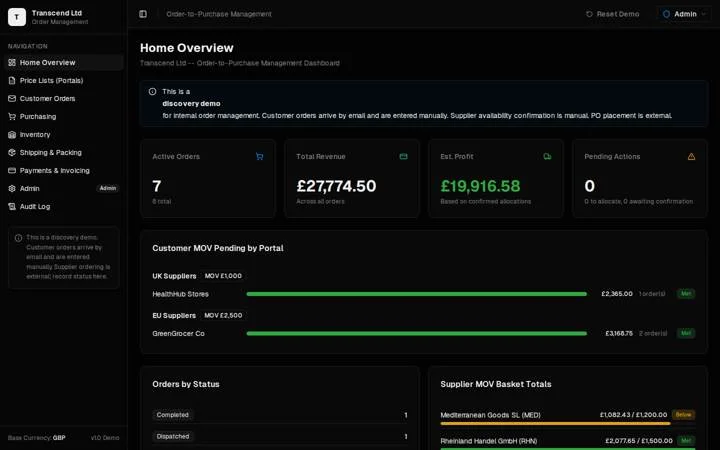
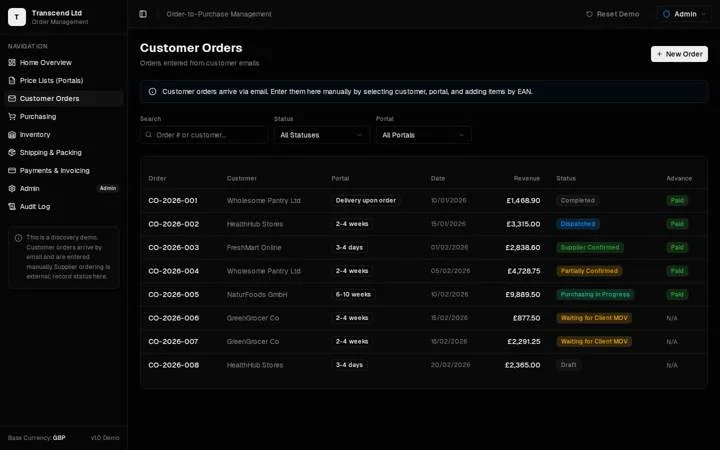
Transcend Ltd, a UK wholesaler in perfumes and FMCG
13 implementation items assigned after the demo-kickoff review
Data pipelinesWholesale and manufacturing
Plastix USA, a US industrial supplier
Website addresses and contacts extracted for Plastix USA's target accounts with AI-assisted tooling, then an Apollo outbound configured per persona and region and handed over with operating instructions.
Your project, next
Say so in a few sentences. The free plan comes from the person who built this one.